 Alpha
Alpha Before you start
Your delivered key begins with sk-. Treat it like a password: keep it in an environment variable, never commit it to GitHub, and never put it in browser-side JavaScript.
/v1, except clients that explicitly require it./v1.Choose your API family
Open one family below. Every nested setup is independently expandable, making the guide practical on mobile.
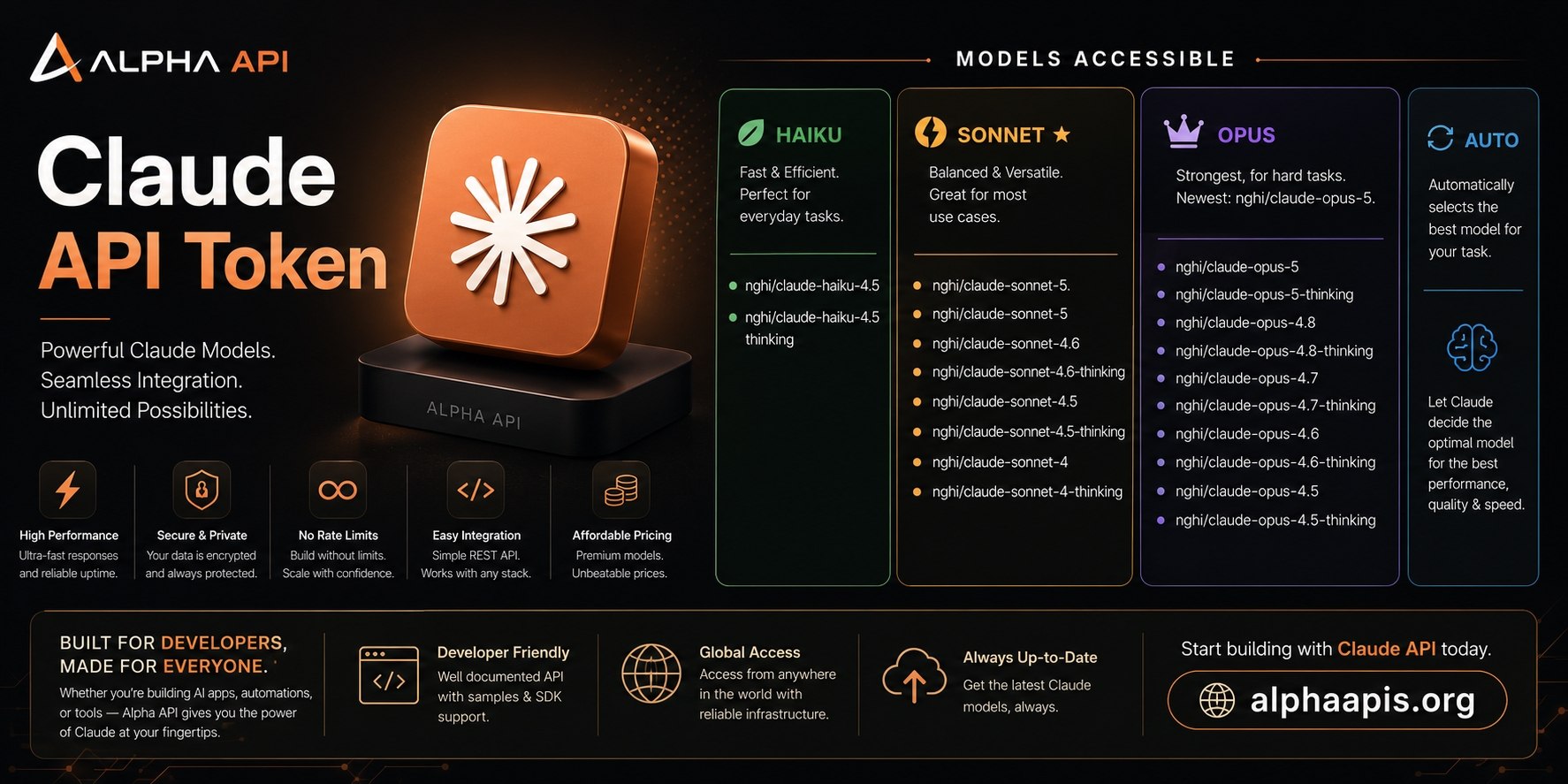 Claude / AnthropicOpus, Sonnet, Haiku and automatic routingExpand
https://api.nghimmo.comnghi/claude-sonnet-5Available Claude models
Opus · strongest for hard tasks
Sonnet · balanced daily model
Haiku and Auto · fast or automatic
Setup by application
Claude Code CLI
- Install Node.js, then run
npm install -g @anthropic-ai/claude-code. - Create or edit
~/.claude/settings.json. - Restart the terminal and launch
claude.
Claude Desktop
- Install Claude Desktop from claude.com/download.
- Configure the gateway with the Claude base URL and your delivered key.
- Fully quit and reopen the app, then continue through the configured gateway.
When changing keys, replace the old key and restart the application.
VS Code / Cursor / Antigravity
- Install the official Claude Code extension.
- Set the Claude base URL to
https://api.nghimmo.com. - Set the authentication token and preferred Claude model.
- Run
Reload Windowfrom the command palette.
Cursor Pro
- Open Settings → Models.
- Enable Override OpenAI Base URL and enter
https://api.nghimmo.com/v1. - Paste the key, verify, then add
nghi/claude-sonnet-4.6. - Disable unrelated default models if Cursor routes to the wrong provider.
Chatbox Web / Desktop
- Open Settings → Model Provider → Claude.
- Use API host
https://api.nghimmo.com/v1and paste your key. - Add
nghi/claude-sonnet-4.6, then select Test Model.
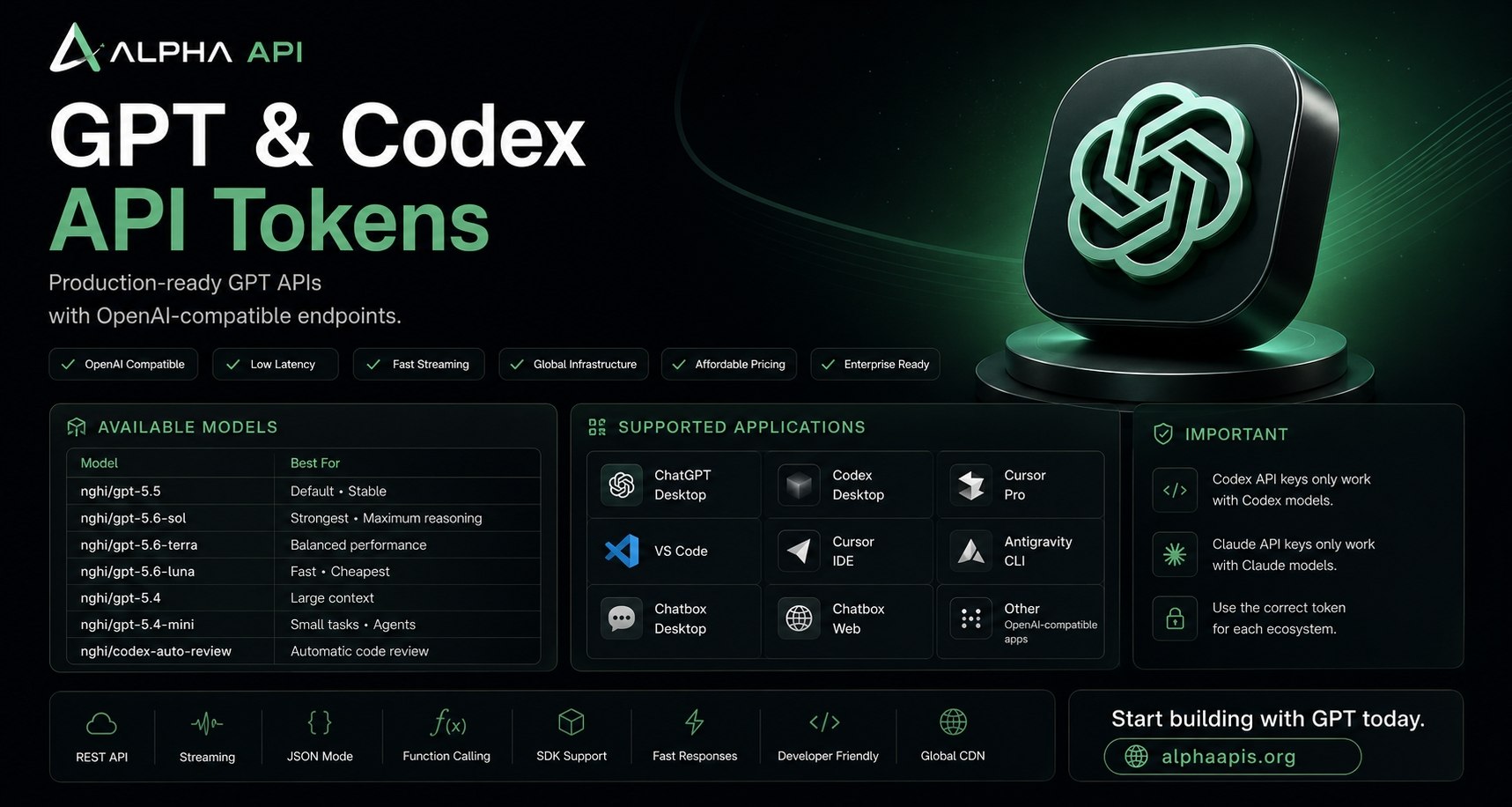 Codex / OpenAI ResponsesGPT coding, agents, review and desktop clientsExpand
https://api.nghimmo.com/v1nghi/gpt-5.5Available Codex models
Setup by application
ChatGPT / Codex Desktop
- Install the official ChatGPT desktop application.
- Configure the desktop gateway using your Codex key.
- Fully quit and reopen ChatGPT, then use ChatGPT Work or Codex.
Cursor Pro
- Open Settings → Models.
- Enable Override OpenAI Base URL:
https://api.nghimmo.com/v1. - Paste the Codex key, verify, and add
nghi/gpt-5.5. - Disable default models that may override your custom route.
VS Code / Cursor / Cline / Roo Code
Select OpenAI Compatible and enter:
Continue extension
Add this entry to ~/.continue/config.yaml:
Chatbox / Open WebUI / other apps
Select OpenAI API Compatible, use https://api.nghimmo.com/v1, paste your key, add nghi/gpt-5.5, and test the model.
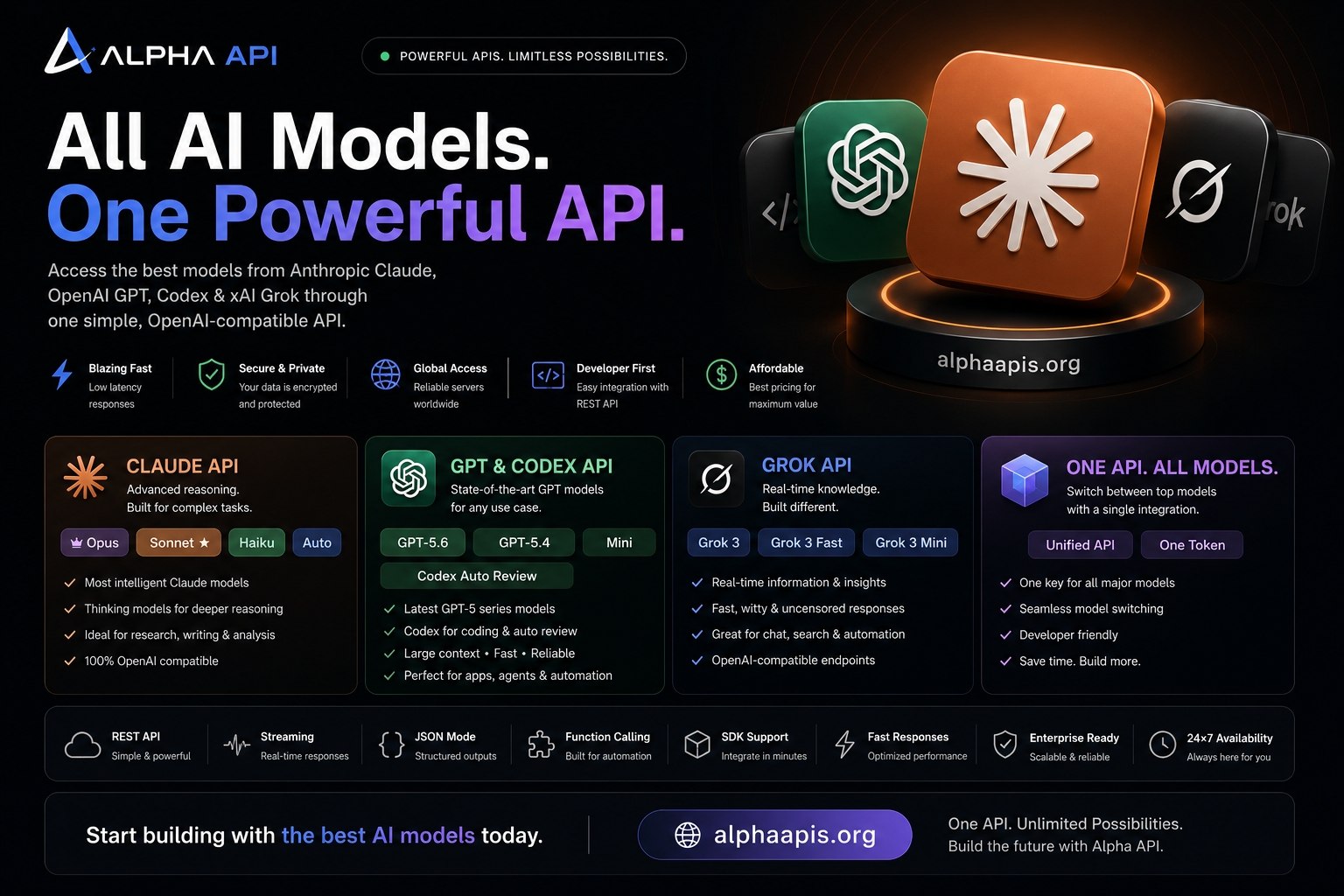 Grok / xAI-compatibleReasoning, large context, agents and fast codingExpand
https://api.nghimmo.com/v1nghi/grok-4.5Available Grok models
Setup by application
Cursor Pro
- Open Settings → Models.
- Enable Override OpenAI Base URL:
https://api.nghimmo.com/v1. - Paste the Grok key, verify, and add
nghi/grok-4.5.
Cline / Roo Code / other IDEs
Select OpenAI Compatible and configure:
Continue extension
Chatbox / Open WebUI / other apps
Select OpenAI API Compatible, enter the base URL and key above, add nghi/grok-4.5, then test the connection.
Direct API requests
Codex · Responses API
Grok · Chat Completions
Environment variables
Errors, key checking and warranty
401 · Invalid or missing key
Confirm there are no spaces around the key and that the header is Authorization: Bearer sk-.... Check the key at Alpha APIs Key Check.
404 · Model not found
Copy the exact identifier from this page. Do not mix Claude, Codex and Grok model families.
429 · Limit or quota reached
Check remaining tokens, reduce parallel requests, and retry with exponential backoff. If quota is exhausted, purchase a new package.
Context too long
Start a new conversation, remove unrelated attachments, shorten logs, or use /clear. In Claude Code, use /compact periodically.
Warranty and refund review
If a key cannot be used during its stated warranty period, contact support with the Alpha APIs order number, exact error, model, client and timestamp. Eligible refunds are calculated from the unused token balance. Never post the full key in a public group.
Use fewer tokens
Use /clear when switching tasks and /compact every 30–50 turns.
Use Haiku, Grok Mini or GPT Mini for simple operations and reserve larger models for difficult work.
Attach relevant files only, trim long logs, and avoid repeatedly sending unchanged context.